ChatGPT
Add Firmable as an app in ChatGPT.
Add Firmable to ChatGPT so it can query Firmable data inside your conversations.
Firmable is a verified ChatGPT app (ChatGPT calls these apps and plugins interchangeably), so the quickest way is to add it straight from the in-app store — no Client ID or developer setup required.
Add from the ChatGPT store
Find Firmable
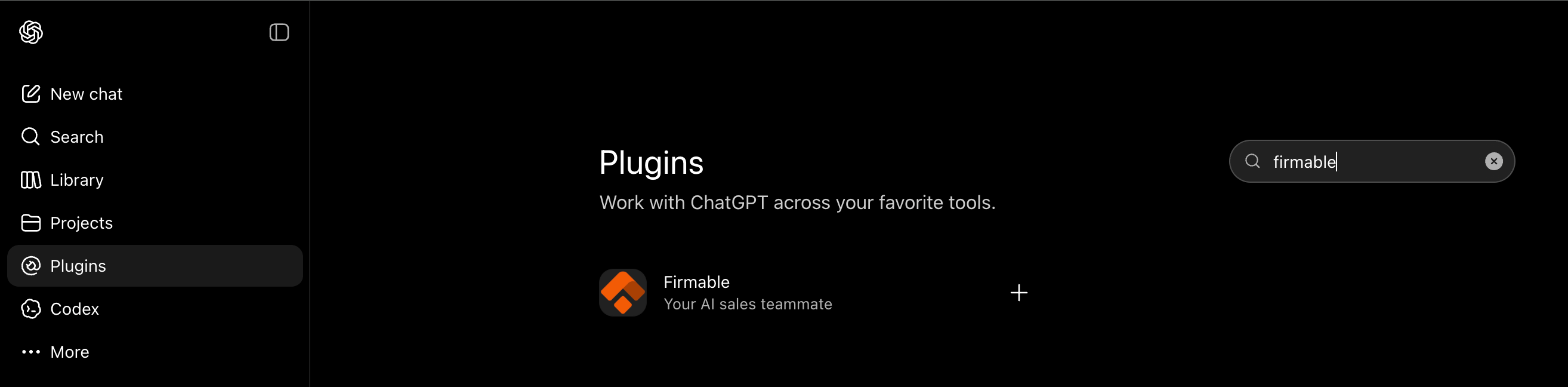
In ChatGPT, open Apps (also labelled Plugins) from the sidebar (under More if it’s not pinned), or go directly to chatgpt.com/plugins?q=firmable. Search for firmable, then click Firmable to open it.
Install the plugin
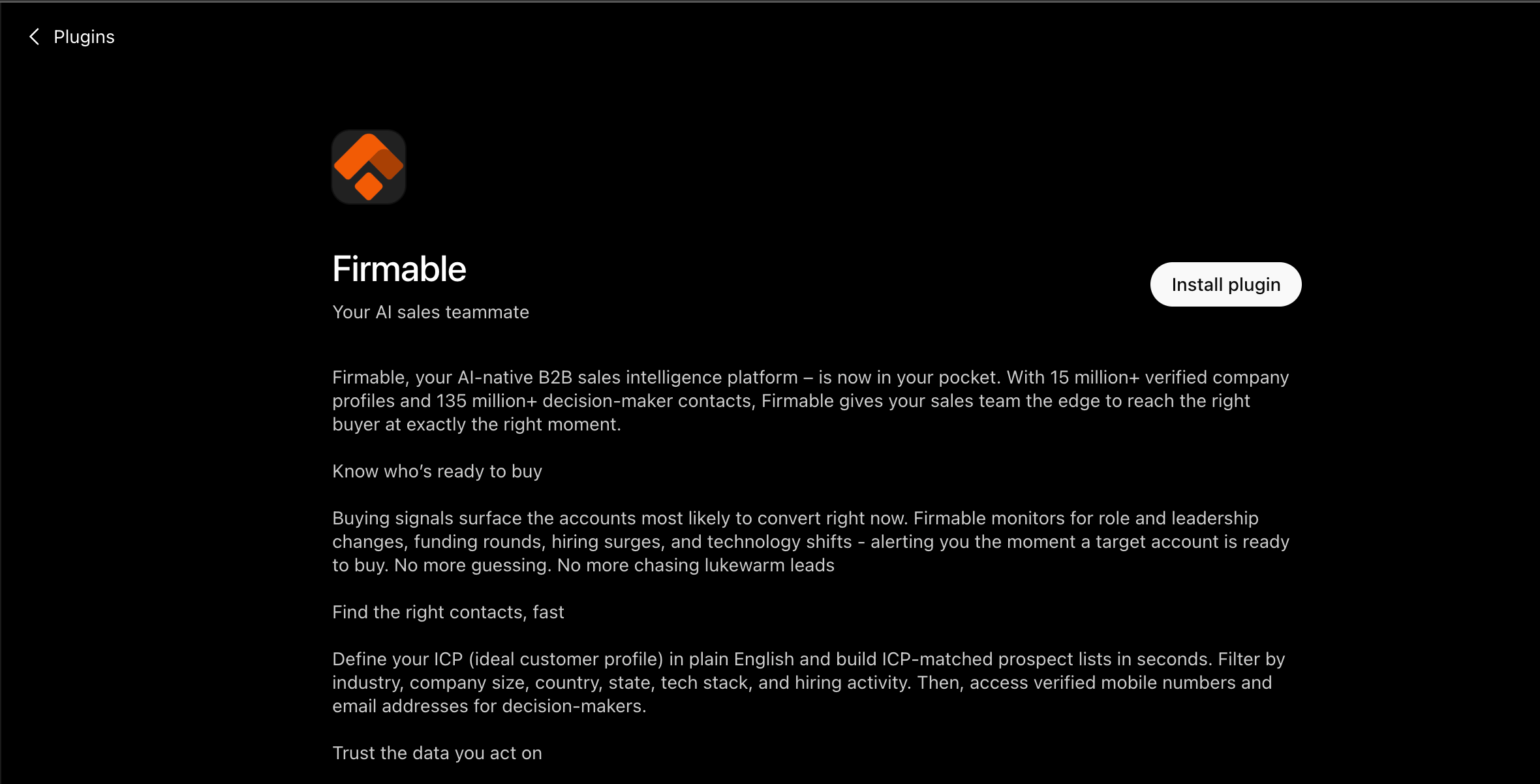
On the Firmable page, click Install plugin.
Sign in with Firmable
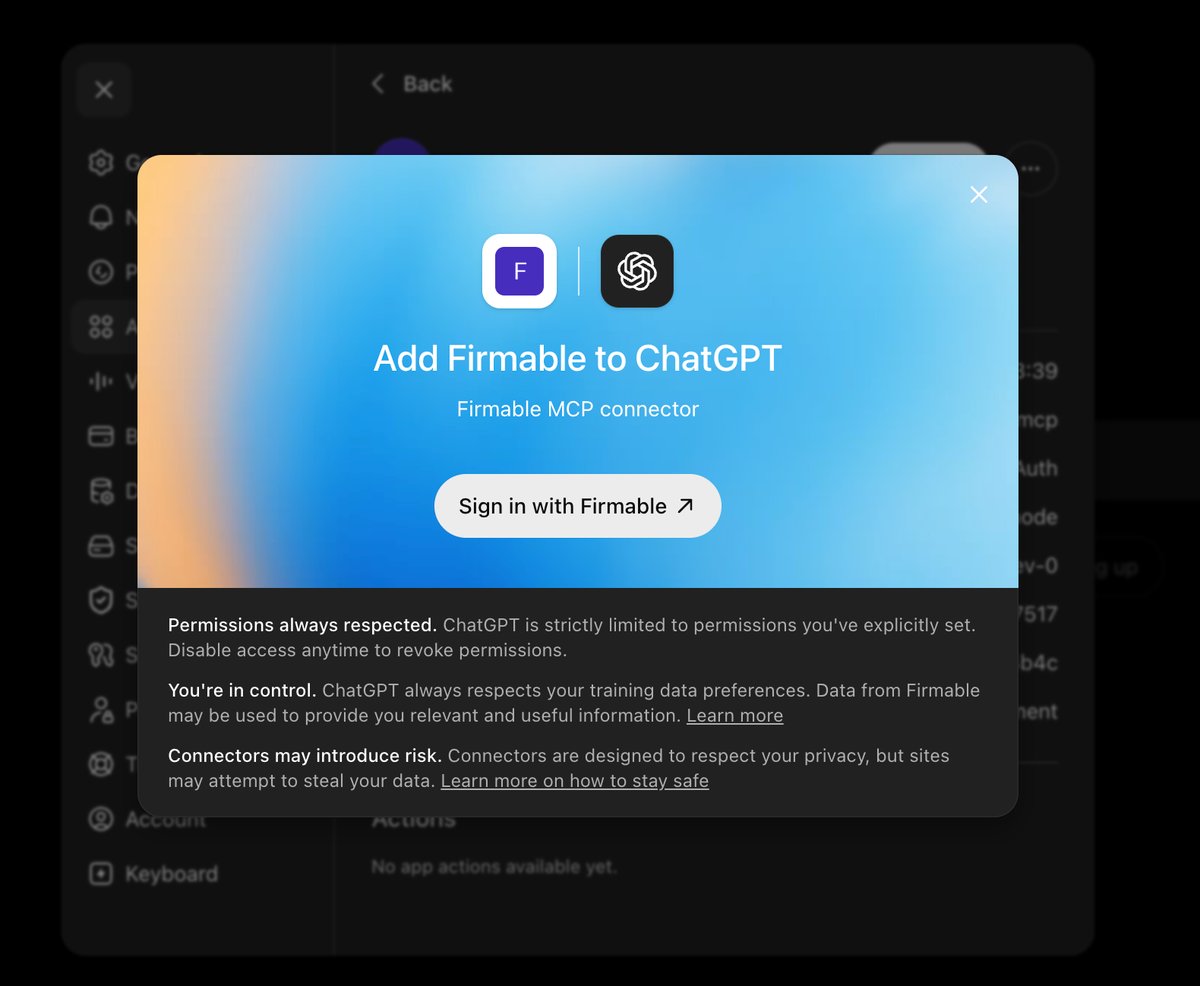
In the Add Firmable to ChatGPT dialog, click Sign in with Firmable.

Follow the prompts to finish
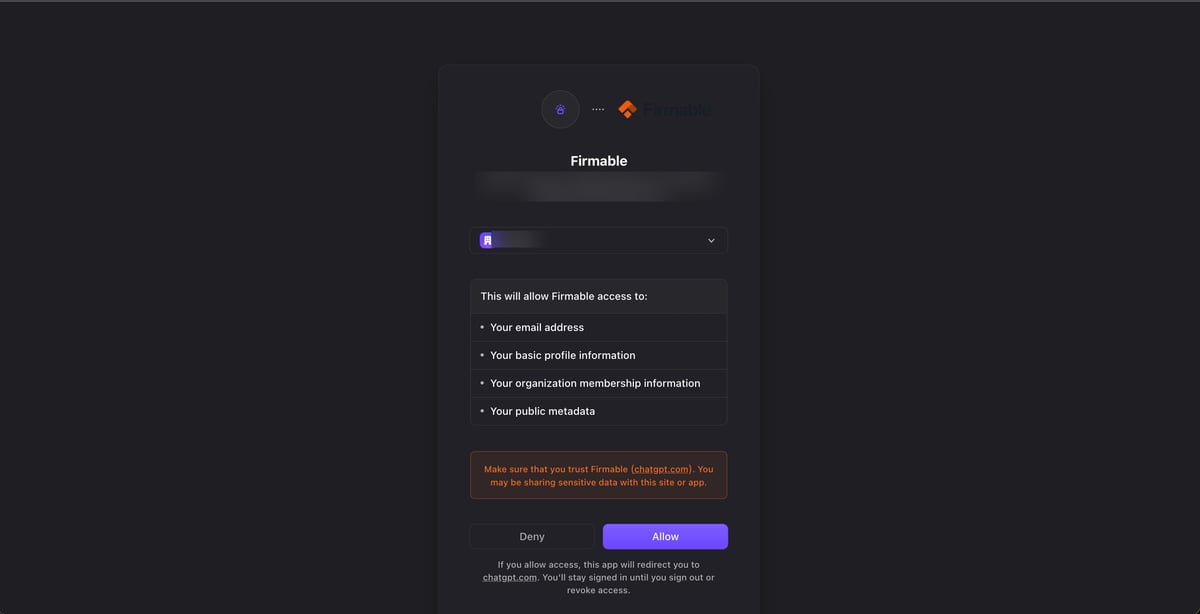
Follow the remaining prompts and click Allow to authorize access. Once connected, enable Firmable from the + → More menu in a chat to start using it.
Add manually (custom connector)
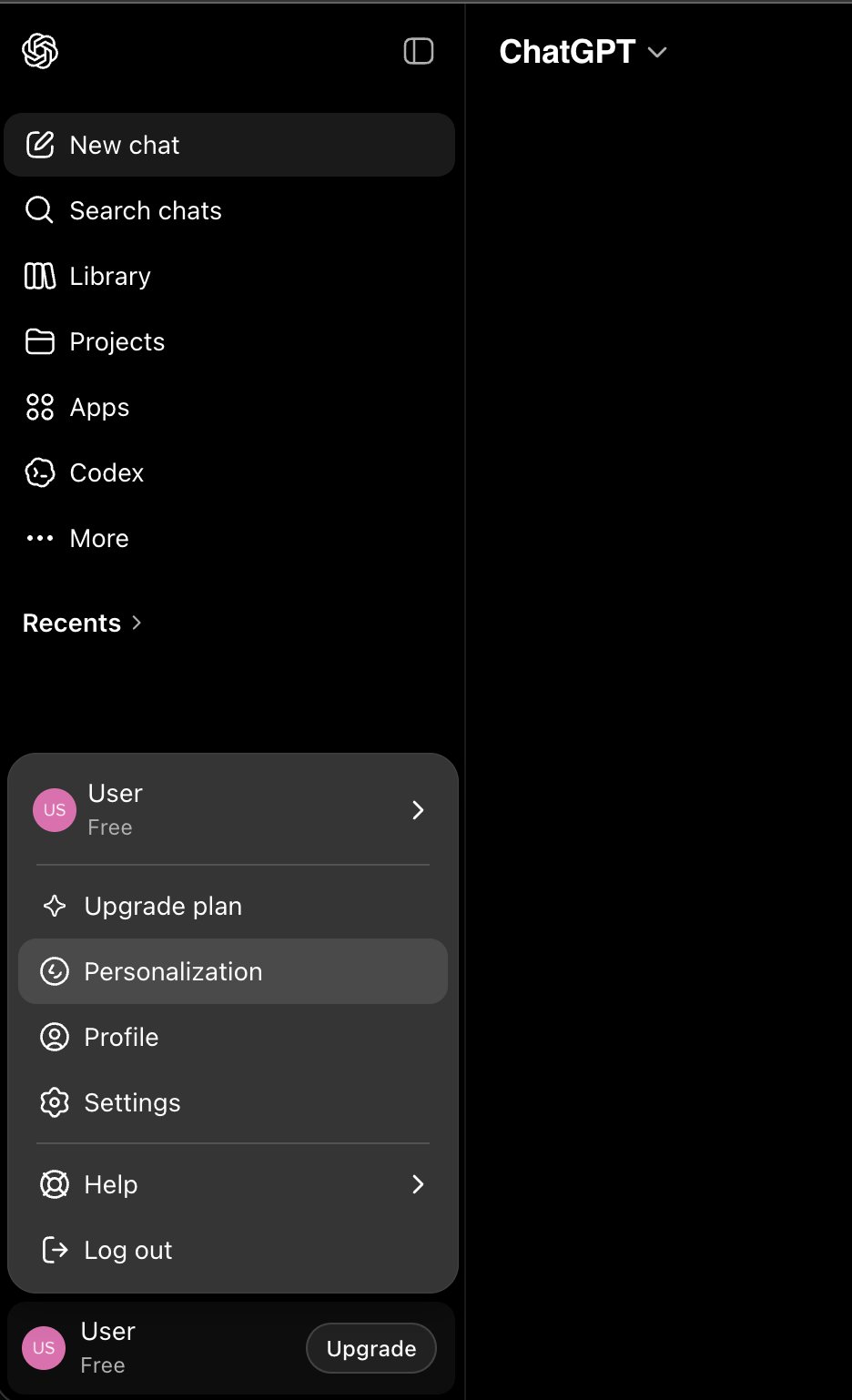
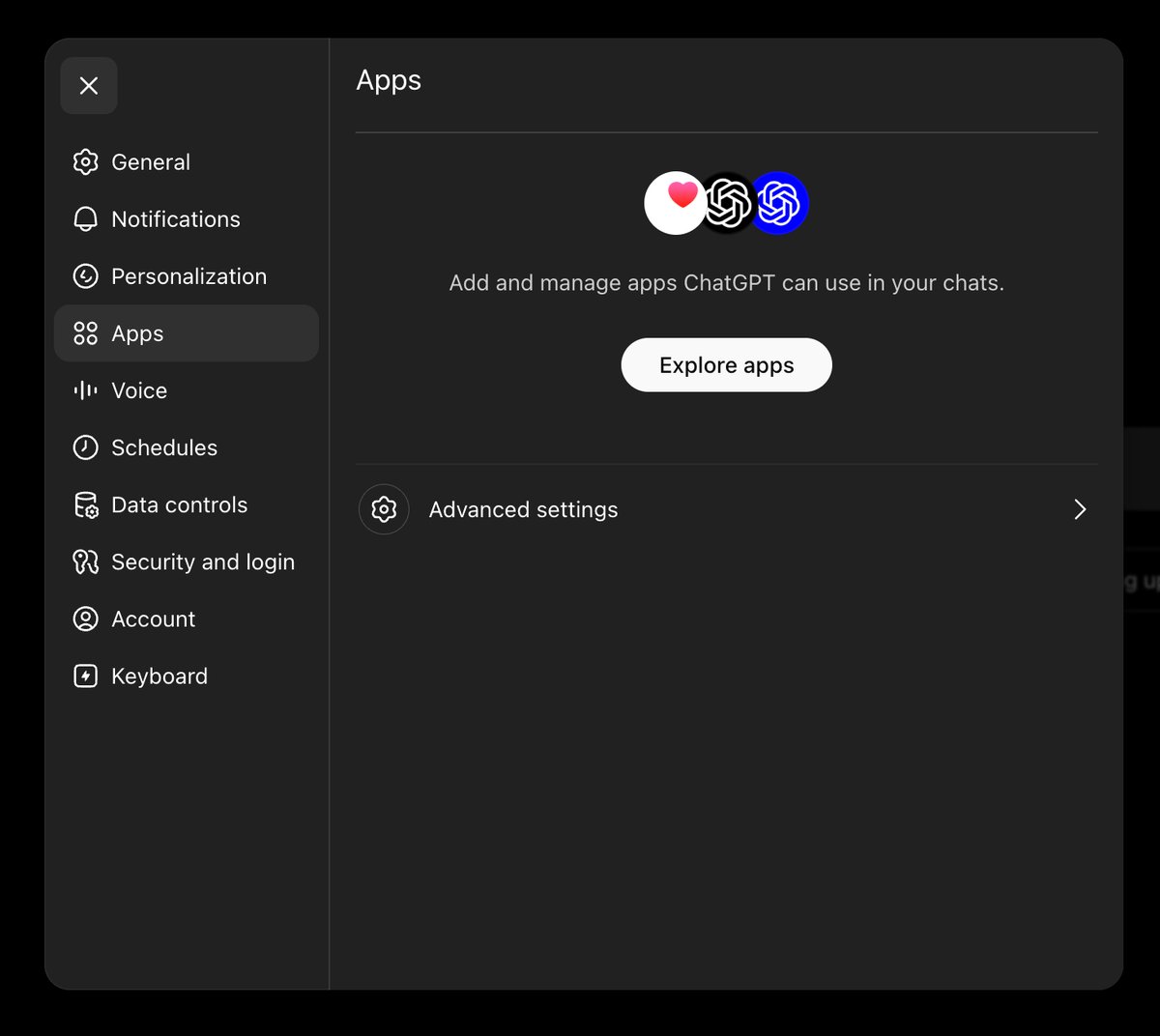
Open Apps → Advanced settings
Go to the Apps tab, then click Advanced settings.
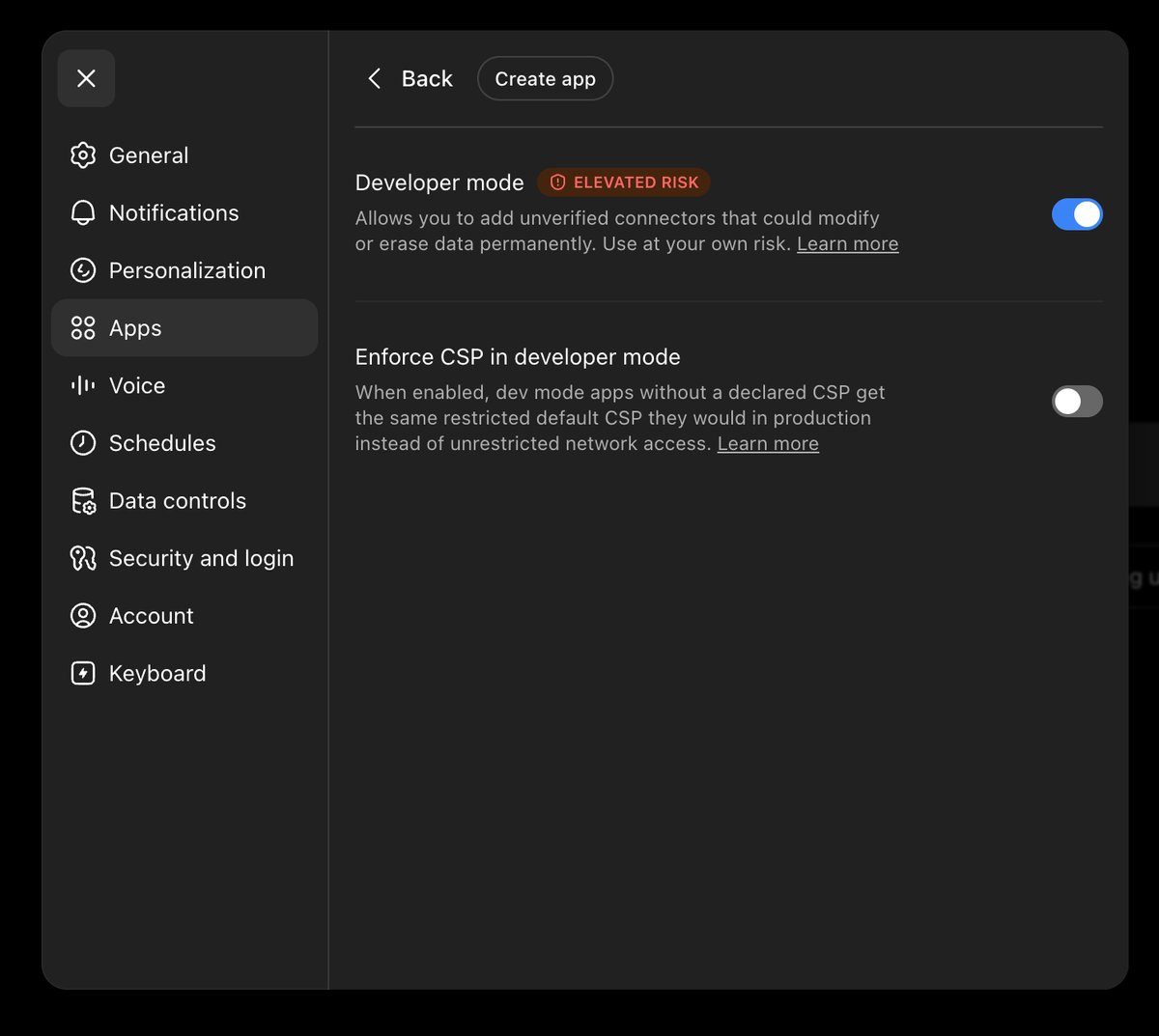
Enable Developer mode and create an app
Turn on Developer mode (this is what lets you add an unverified custom connector), then click Create app.
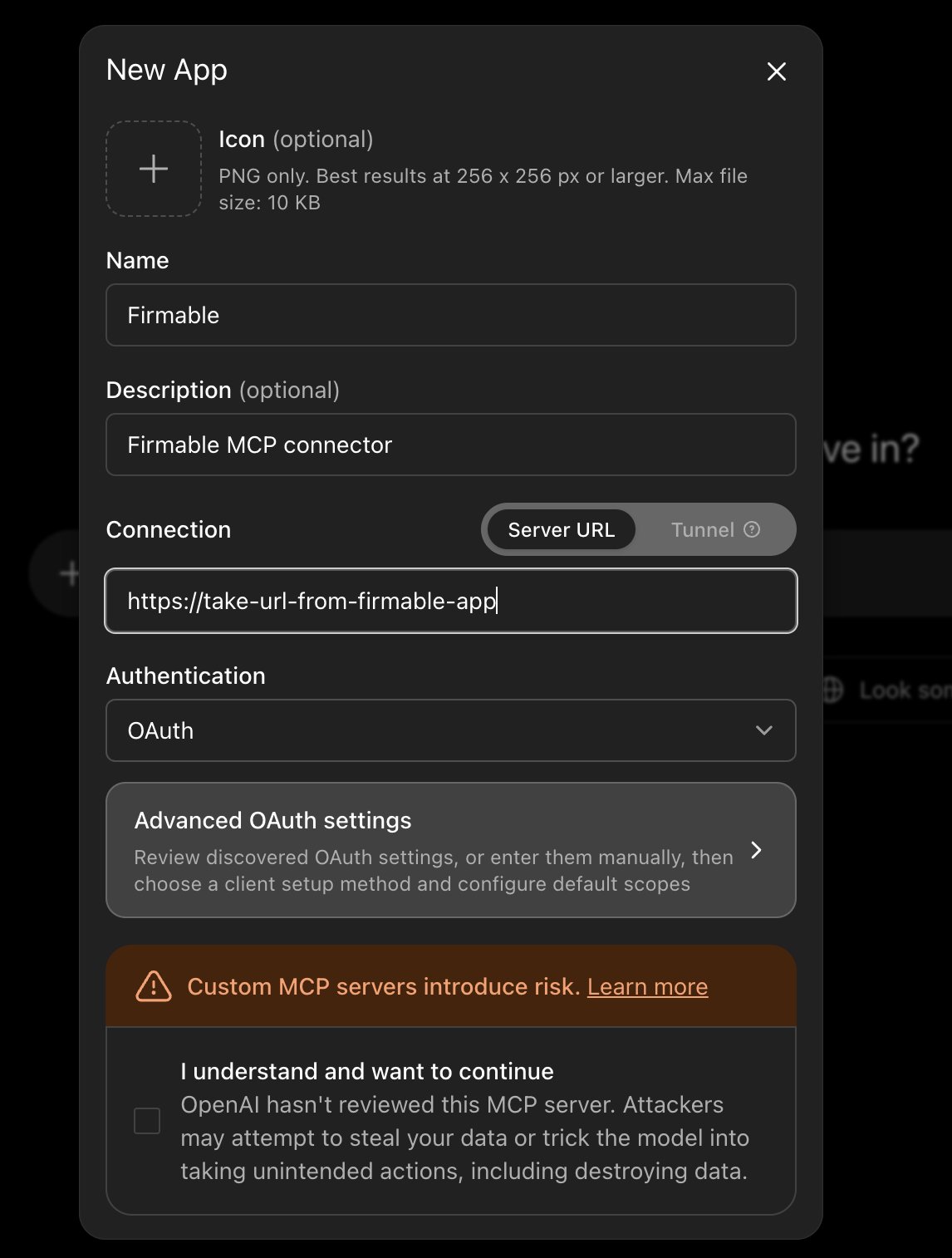
Enter the Firmable MCP details
Fill in the New App form:
- Name: anything you like — this guide uses
Firmable - Description (optional): e.g.
Firmable MCP connector - Connection: keep Server URL selected and enter the MCP URL (from URL & Client ID)
- Authentication:
OAuth
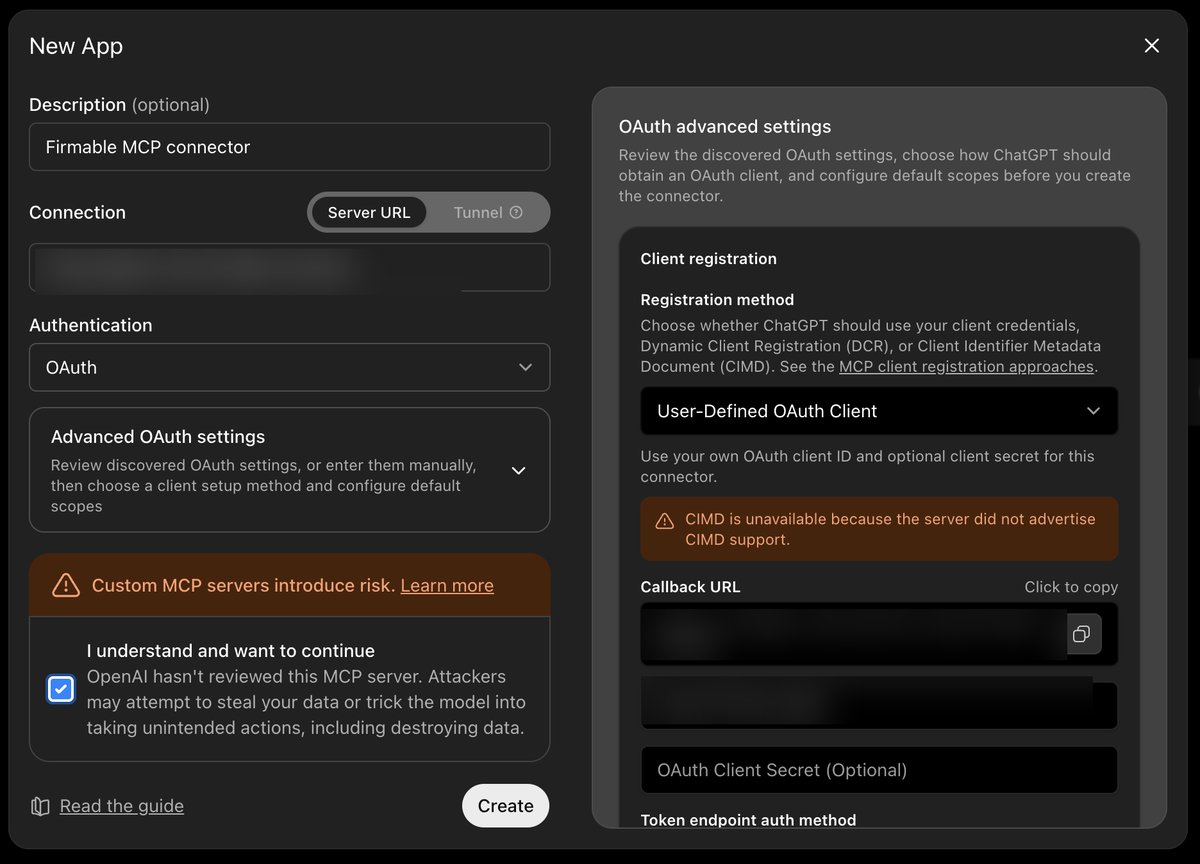
Configure OAuth and create
Expand Advanced OAuth settings and set the Registration method to User-Defined OAuth Client — this lets you use the Firmable credentials. Enter the Client ID (from URL & Client ID; leave the secret blank unless Firmable gives you one). If Firmable asks for a redirect/callback URL, copy the Callback URL shown here.
Finally, tick I understand and want to continue to acknowledge that custom MCP servers aren’t reviewed by OpenAI, then click Create.
Sign in with Firmable
On the prompt, click Sign in with Firmable.
Authorize
Click Allow to grant ChatGPT access to Firmable.
Use it in a chat
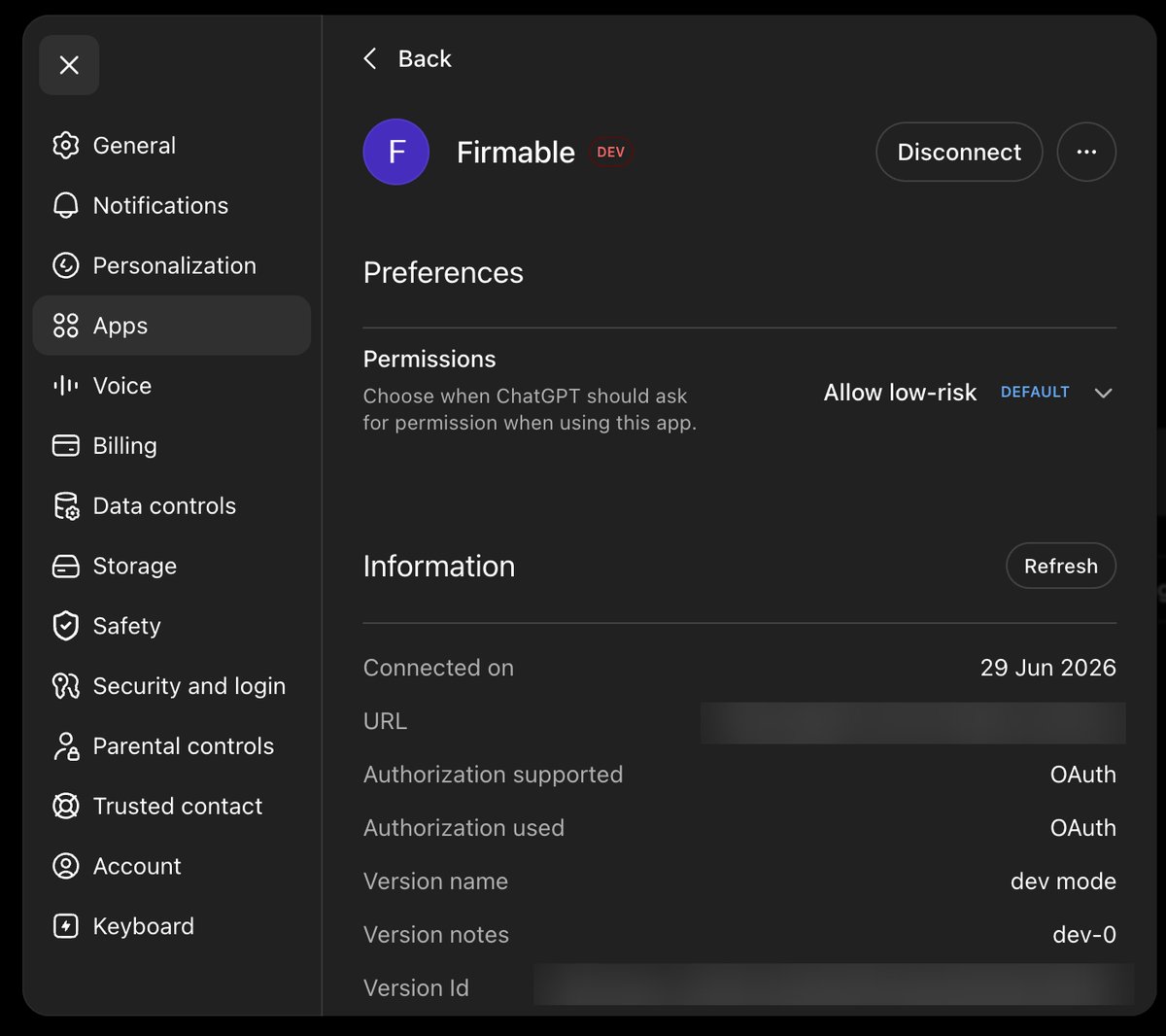
Firmable is now connected. Choose when ChatGPT can use it, then enable Firmable from the + → More menu in a chat to start using it.